Smart home hardware is regularly sold at or below the cost of making it, because the product is not the device. The product is the account, the app and the recurring revenue behind it. That is a reasonable business model and a poor deal for a buyer who wants a light switch to keep working for a decade.
The device is cheap because the service is the product
When a camera, doorbell or lock is priced below what the hardware appears to be worth, the difference is intended to be recovered later. Sometimes that comes from a subscription for storage or advanced features. Sometimes it comes from data. Sometimes it comes from the assumption that you will replace the device when the service changes.
None of these outcomes is automatically unacceptable. They are worth identifying before purchase, because they decide what you own.
Local control versus cloud control
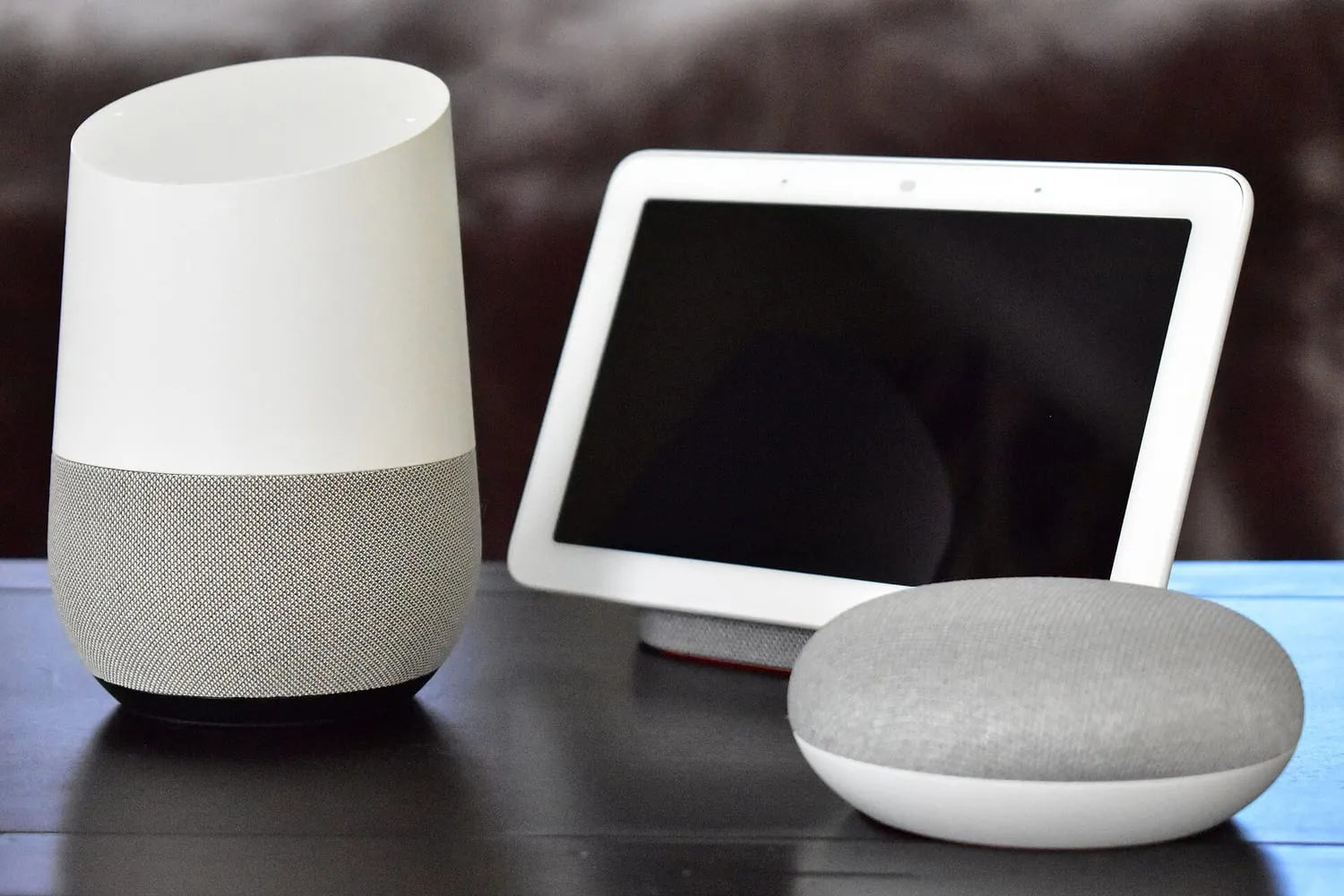
The most useful question about any smart device is simple: does it work when the internet is down?
Cloud-dependent devices route commands through a manufacturer’s server. They are usually easy to set up and require no additional hardware. They also stop working entirely if the server is unreachable, if your connection drops, or if the manufacturer discontinues the product line.
Local devices communicate directly with a hub or a controller in your home. Setup is more involved and usually requires a hub, but automation and basic control continue to function without an internet connection.
Where a product supports both, the local path is usually what you want for anything that matters: lights, locks, heating. Where a product is cloud-only, treat it as a rental.
What happens when the cloud shuts down
Smart home product lines are discontinued regularly, and the shutdown of a companion service is not a hypothetical risk. Devices that depend on that service have historically lost app control, scheduling, remote access or all of it.
When evaluating a product, look for the manufacturer’s published position on what happens to existing devices if a service ends. Some commit to keeping basic control working locally. Others say nothing, which tells you something too.
Two habits reduce the exposure: prefer devices whose core function does not need the vendor’s servers, and avoid bundling your whole home into a single vendor’s ecosystem.
Subscriptions: what they usually cover
Common paid tiers cover video storage, longer event history, person or package detection, and sometimes multi-user access. The pattern to watch for is a feature that involves no ongoing cost to the manufacturer being placed behind a subscription anyway.
Before buying, work out:
- Which features you need, and which of those require a plan.
- Whether the plan is required for the device to work at all, or only for extras.
- Whether local storage is an option, and what it costs in hardware.
- The plan’s price in the long run, not the introductory offer.
A device that costs more up front and nothing monthly is frequently cheaper over five years than a device that is cheap once and billed annually.
Protocols, in plain terms
Wi-Fi devices connect directly to your network. Setup is easy and they require no hub, but they add load to your network and often depend on the cloud.
Bluetooth is useful for setup and proximity control and poor for automation, because range and reliability are limited.
Zigbee and Thread are low-power mesh protocols. Devices relay for each other, extending range, and usually need a hub or a border router. In exchange they are reliable, efficient and often able to work locally.
Matter is an interoperability standard intended to let devices from different vendors work together and be controlled by multiple platforms. Where it is fully implemented, it reduces lock-in substantially. Where it is implemented partially, a product may carry the label while only supporting a subset of the useful features — and the product page rarely states which subset.
The practical approach is to check the specific compatibility list rather than the logo, and to prefer devices that support more than one control platform.
Hubs, bridges and the single point of failure
A hub is a dependency. It is also the thing that keeps automation running when the internet is not. The balance is worth thinking about before you buy a second one.
Prefer hubs that work locally, that support more than one protocol, and that are not tied to a single vendor’s cloud for basic control. Where a device requires a proprietary bridge that only works with one brand, you have bought into that brand’s roadmap as well as its hardware.
Cameras and where the footage lives
Cameras deserve special attention because they combine three risks: a subscription, a cloud dependency and personal data.
- Local recording to a card, a network drive or a recorder avoids the subscription and keeps footage in your home.
- Cloud recording is more convenient and more resilient to theft of the device, and it means footage of your home is stored on someone else’s infrastructure.
- Encryption matters in both cases. Where it is end-to-end, only your devices can read the video, which also means the vendor cannot recover it for you.
- Retention periods define how long footage exists. Longer is convenient and more exposed.
Privacy basics that are worth doing
- Use a separate network or guest network for smart devices where your router supports it.
- Change default credentials, and prefer devices that make you.
- Turn off features you do not use, particularly microphones and remote access.
- Read what data the app requests. A light bulb does not need your contacts.
A buying checklist
- Does the device work without the vendor’s servers for its main function?
- Is the full feature set available without a subscription?
- Which protocol does it use, and what controls it locally?
- Does it work with more than one platform, and which features actually interoperate?
- Is the manufacturer’s policy on discontinued services published?
- Where does the data go, and for how long?
- Can the device be reset and reused, or is it bricked when the account is closed?
A smart home assembled from products that answer those questions well will outlive several generations of the apps that came with them. That is the difference between buying a device and renting one.