USB-C solved the shape of the connector and left everything else optional. The result is a shelf full of identical-looking cables with completely different capabilities, and a set of labels that are only partly standardised. Understanding four things — power, data, video and certification — turns the shelf back into a set of distinct products.
The physical connector makes one promise
A USB-C plug fits a USB-C socket. It does not promise a charging speed, a data rate or a video signal, because all three are negotiated separately and all three depend on the cable as well as the devices at each end.
This is why a cable that came with a phone can charge happily and fail completely at connecting a monitor, and why an expensive-looking cable may be limited to the slowest data rate in the standard.
Power: watts are the product, volts and amps are the method
Chargers are sold by wattage, and for a single-port charger the wattage is the most useful number on the box. It tells you the maximum the charger can deliver, not what any particular device will draw.
Inside that figure, power is volts multiplied by amperes, and different devices request different combinations. A charger that can negotiate several combinations is more flexible than one that supports a single arrangement, even when the headline wattage is the same.
Power Delivery is the negotiation protocol that lets the charger and the device agree on a voltage and a current. It is the reason a laptop can charge from a phone charger slowly, and the reason a phone charges quickly from a laptop charger. Where both ends support it, the device asks for what it wants; a larger charger does not force power into a device that did not request it.
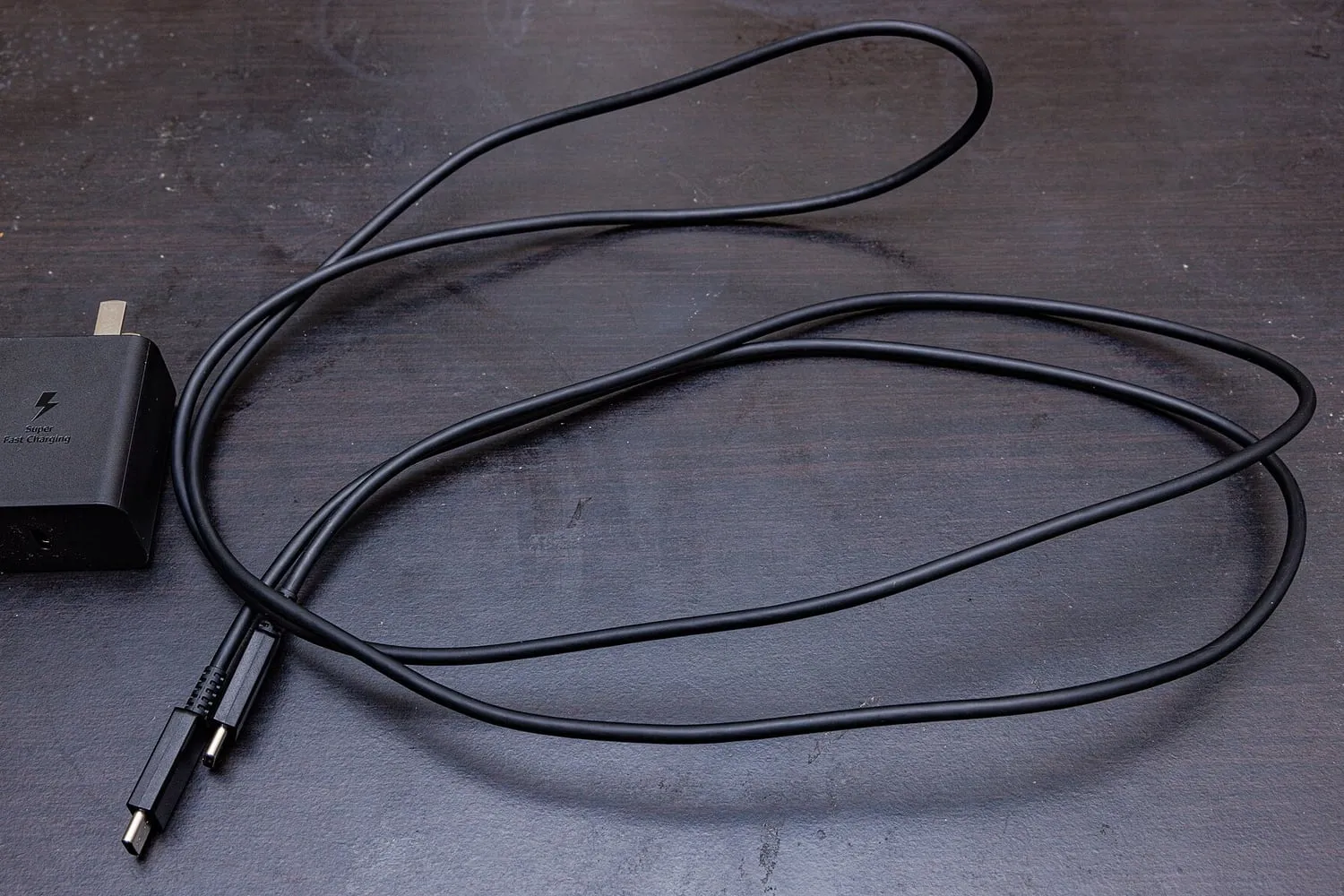
Cable current rating is the part people miss. A cable is limited in how much current it can carry safely, and that limit is not visible from the outside. Cables rated for higher current usually carry a marking or an electronic identifier, and a cable without that rating will cap charging speed regardless of how capable the charger is.
Data: the rate is not on the cable
Data transfer rates vary enormously across cables that look the same. The slowest rate in the standard is adequate for a keyboard and painful for a video file. Faster tiers are named inconsistently across generations, and the naming has changed more than once, which is why comparing two cables by their labels alone is unreliable.
The practical rule is that the specification on the cable is the only thing to trust. Where a rating is not stated, assume the slowest.
Video: a cable can carry a display, or it cannot
Driving a monitor over USB-C requires the cable to carry a video signal and the port on the computer to support an alternate mode for it. Both halves are required, and neither is guaranteed by the shape of the plug.
If you are buying a cable to connect a laptop to a display, look for an explicit statement that it supports video output and, ideally, a stated resolution and refresh rate. Cables without that statement frequently work with a dock’s data ports and not with a monitor.
Reading the markings
Cable markings are inconsistent, but a few clues are common:
- A small logo or number moulded near the plug often identifies the cable’s rated current.
- An electronic marker inside some cables lets devices read its capabilities; this is common on the higher-end cables and rare on cheap ones.
- Thunderbolt branding indicates a cable meeting a specific high-performance standard, and those cables carry both high data rates and video. It is the clearest single label available.
- Where a cable has no marking at all, treat it as a charging cable for low-power devices.
Chargers: what to check on the label
A charger’s printed output list is more informative than its advertised total. Look for the range of voltages and currents it offers, and whether the listed combinations include the voltage your device prefers. A charger with only fixed low-voltage outputs may not fast-charge a larger device even if its total wattage looks generous.
Multi-port chargers share their total output. A charger advertised at a high figure across several ports usually delivers that figure only when one port is in use, and splits it when the others are occupied. That is normal behaviour, not a defect, but it decides whether the same brick can charge a laptop and a phone at once at full speed.
Standby draw from a charger left plugged in is tiny, but the cheapest unbranded units are also the least likely to have been tested for safety. Certification marks from recognised testing bodies are worth looking for, because a charger is one of the few accessories that sits between mains voltage and your hand.
Cables wear out, and that is normal
Cables fail at the strain relief, where the plug meets the cable, and through repeated bending. A fabric sleeve does not prevent this, though a longer, more flexible strain-relief section helps. A cable that has started to require a specific angle to work is on its way out; continuing to use it risks damaging the port, which is a repair rather than an accessory purchase.
A short practical kit
- One high-wattage charger with a stated power-delivery output and, ideally, more than one port.
- One cable rated for the current your largest device needs, kept with the charger.
- One cable explicitly rated for data and video, marked so you can tell it apart from the rest.
- One long, cheap cable for charging a phone overnight, where speed and data rate do not matter.
Label them. The failure mode with USB-C is not picking a bad cable; it is owning four unmarked cables and never being sure which one will do the job you need.