A router box is one of the most crowded spec sheets you’ll ever read: a Wi-Fi generation, a speed class, band count, antennas, a processor, ports and a pile of feature names. Few of those numbers describe the speed your phone or laptop will see, and the biggest one describes something no single device ever experiences.
The box says / it means
| The box says | It means |
|---|---|
| “Wi-Fi 7” | 802.11be; capable of wide 6 GHz channels and Multi-Link Operation, if your devices are too |
| “BE19000” | Every band’s theoretical max link rate added together |
| “Tri-band” | A third radio: either a second 5 GHz or a 6 GHz. Very different value |
| “4x4 MU-MIMO” | Four data streams on the router side; your 2x2 phone still talks at 2x2 |
| “10G port” | Wired headroom for fast plans or local storage |
The generation
The generation name is the single most useful label, because it says which features the router can use.
- Wi-Fi 5 (802.11ac): fast connections on 5 GHz, older standards on 2.4 GHz.
- Wi-Fi 6 (802.11ax): better efficiency when many devices share the network, which matters more in a busy home than top speed.
- Wi-Fi 6E: Wi-Fi 6 extended into the less crowded 6 GHz band, usable only by 6E or newer devices.
- Wi-Fi 7 (802.11be): adds 320 MHz channels (mainly in 6 GHz), 4096-QAM, which packs 12 bits per symbol versus 10 with 1024-QAM, and Multi-Link Operation, letting a device use several bands at once. In the Wi-Fi Alliance’s certification program, MLO is mandatory, while 320 MHz and 4096-QAM are optional (Wi-Fi Alliance). So two “Wi-Fi 7” routers can differ a lot.
The catch: the link runs at the level of the device on the other end. A Wi-Fi 7 router talking to a Wi-Fi 5 laptop gives that laptop a Wi-Fi 5 connection. Check what your own devices support first. Apple’s current MacBook Air (M5), for example, lists Wi-Fi 7 (apple.com), while many laptops a few years old stop at Wi-Fi 6 or 5. If you’re buying a laptop too, our guide on choosing a laptop you’ll still like in four years covers why the wireless chip is worth checking.
One-spec deep dive: why BE19000 isn’t 19,000 Mbps
Names like AX3000 or BE19000 are speed classes: generation letters plus the sum of every band’s maximum theoretical link rate.
TP-Link’s Archer BE800 is a real BE19000 router. Its datasheet lists 1,376 Mbps on 2.4 GHz, 5,760 Mbps on 5 GHz and 11,520 Mbps on 6 GHz (tp-link.com). Add them: 18,656, rounded up to “19000.” Even with MLO, no phone gets all three bands’ maximums at once, and the 6 GHz figure assumes a client that matches the router’s streams and channel width.
Every per-band number is a link rate under ideal conditions, not throughput. Real data speed is always noticeably lower once distance, walls, interference and protocol overhead join in. Use the class to compare routers within one family, not as a promise.
Bands: range vs. speed
| Band | Strength | Weakness |
|---|---|---|
| 2.4 GHz | Longest range, best through walls | Slowest, most crowded |
| 5 GHz | Much faster at short to medium range | Weaker through walls and floors |
| 6 GHz | Widest, cleanest channels | Shortest range; needs 6E or Wi-Fi 7 devices |
A tri-band router with a second 5 GHz radio helps a busy home spread out. One with 6 GHz only helps if you own devices that use it.
Streams, antennas, channel width
Spatial streams (2x2, 4x4) are separate data paths. More on the router helps when several devices are busy, but each device is limited by its own streams.
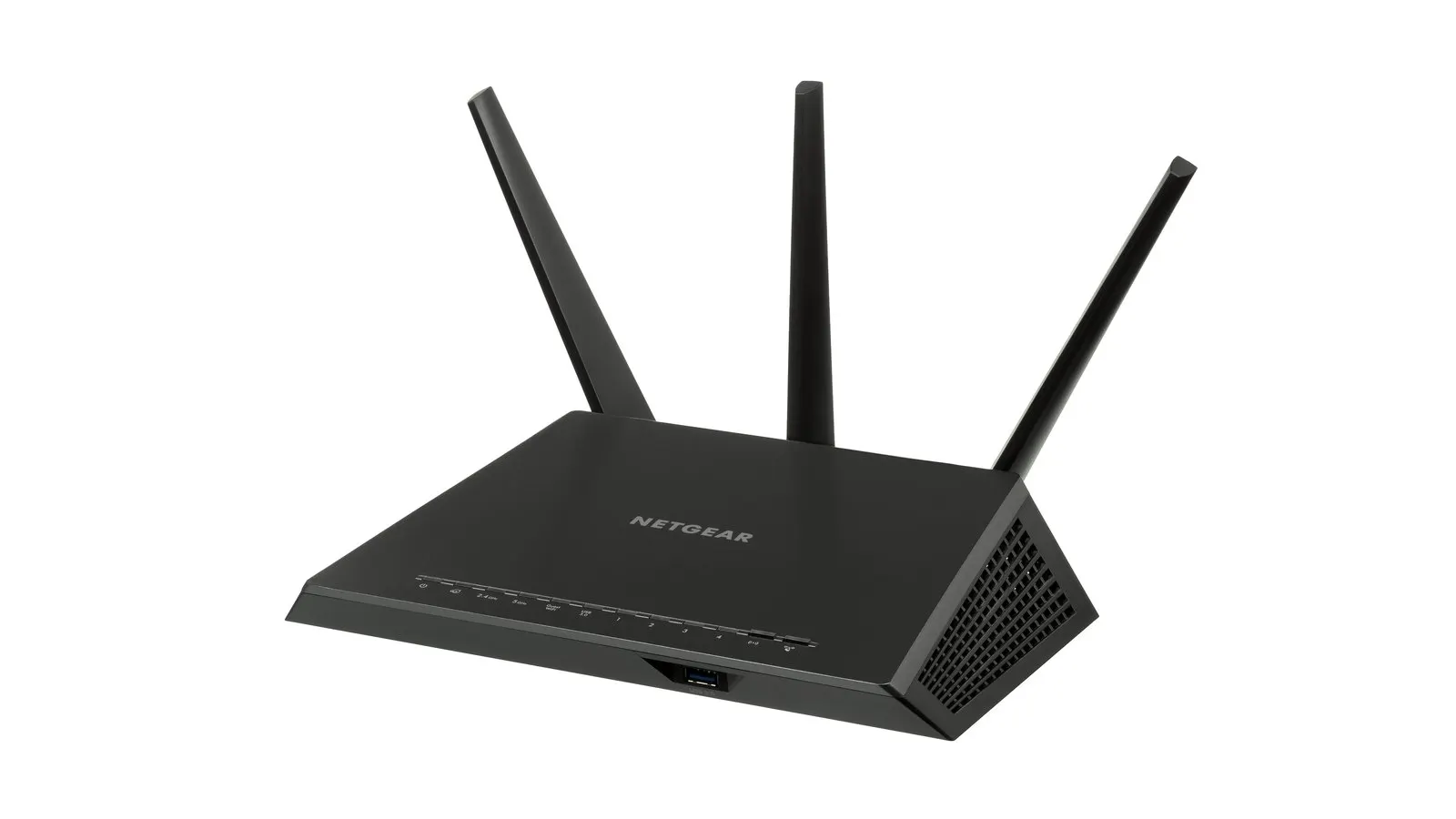
External antennas aren’t a reliable performance measure; many good routers hide theirs inside.
Channel width (20 to 320 MHz) sets peak speed, but wider channels are more vulnerable to neighbors’ interference. In a crowded apartment building, a router that intelligently picks narrower channels can beat one forced wide.
Ports: the overlooked bottleneck
- WAN port. On a plan faster than 1 Gbps, a gigabit WAN port caps you. Look for 2.5 Gbps or faster. The BE800 has two 10G ports (one RJ45, one RJ45/SFP+ combo).
- LAN ports. Desktops, consoles and network storage are often better wired.
- USB. Handy for simple sharing, not a substitute for real network storage.
A fast wireless spec paired with a slow WAN port is a common budget-model mismatch.
Mesh and backhaul
Mesh uses several units for bigger homes. The key spec is backhaul, the link between units.
- Wireless backhaul shares radio capacity with your devices; each hop can cut speed.
- Dedicated backhaul band on tri-band mesh reduces that penalty.
- Wired backhaul is most reliable if cables already run between rooms.
Mesh fixes awkward layouts, thick walls and multiple floors. In a small apartment, one well-placed router usually suffices.
Specs that outlive the hardware
- WPA3 support.
- Firmware update record. A router that stops getting security fixes should be replaced even if it still works. Our piece on software support and update promises explains how to judge this before buying.
- Subscription features. Some routers lock parental controls, threat filtering or advanced settings behind a plan, the same pattern covered in smart home without the subscription trap.
- App vs. web interface. If you value local control, confirm a browser interface exists alongside the app and cloud account.
Buyer scenario
You have a 1 Gbps plan, a two-bedroom apartment and Wi-Fi 6 phones. A good Wi-Fi 6 or entry Wi-Fi 7 router with a 2.5G WAN port, WPA3 and a long update record beats a BE19000 flagship you’ll never saturate.
Checklist
- Match the generation to your newest devices or ones coming soon.
- Treat the speed class as a family comparison, not a speed promise.
- Check the WAN port against your plan.
- Choose router vs. mesh by layout, not floor area alone.
- Prefer wired backhaul where cables exist.
- Read the update history and subscription terms.
Placement matters too: central, high and out of a cabinet often beats a pricier model hidden behind the TV.
FAQ
Will a new router speed up my internet? Only if the old router, its Wi-Fi generation or its ports were the bottleneck. It can’t beat your plan.
Do I need Wi-Fi 7 now? Only with Wi-Fi 7 devices, a fast plan, or a wish to future-proof through several device upgrades. Wi-Fi 6 is fine for many homes.
Are more antennas better? Not necessarily. Internal antennas work fine, and your devices’ streams cap what you see.
Is mesh always better? No. Mesh fixes coverage. In a small space, one good router is simpler and often faster.